Paint.NET is free image and photo editing software for computers that run Windows. It features an intuitive and innovative user interface with support for layers, unlimited undo, special effects, and a wide variety of useful and powerful tools.If you want a free image editing software which is small and powerful, this is for you. It's small in size and can do more than the default Microsoft Paint and almost equivalent to professional software such as Adobe Photoshop.

Some claimed it as "free version of Photoshop".
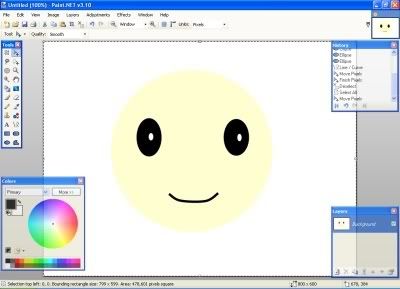
Why will you want to use Paint.NET?
- It's free!
- It requires just a small portion of your hard disk space.
- It can let you do things like a professional.
- It's not as laggy as Photoshop (for computer with lower spec)
Download: Paint.NET
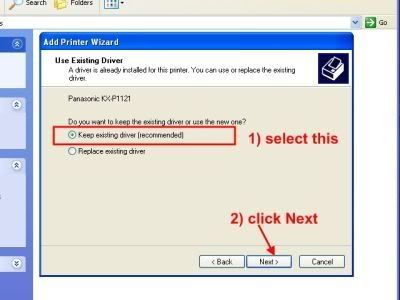
Although I depend a lot on Photoshop, I find this very handy when I want to do some notes on the screenshots that I have taken. I can easily draw arrows, lines, boxes, add text whenever I want. Although you can do such things in most editing software like Photoshop, Microsoft Paint or even IrfanView, this is still the most convenient one for me.
Now, I can easily finish doing a pictorial guide within minutes. The following image is what I did for a printer configuration tutorial using Paint.NET.

Yes, Paint.Net is so great! I advise you to take a look at the paintdotnet forumer if you want to learn how to build great pictures ;)
ReplyDelete